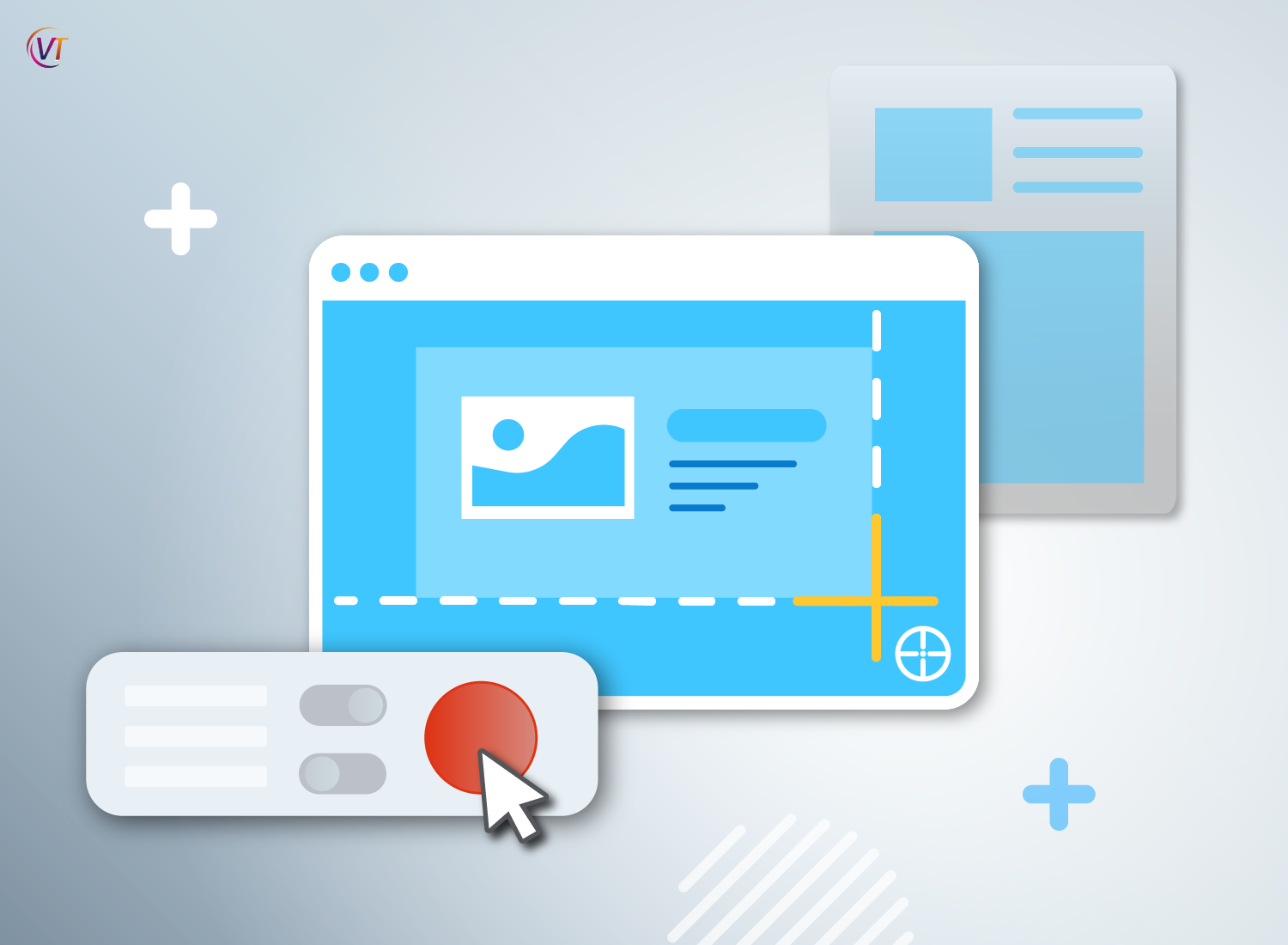
Screen capture software is a powerful tool that allows users to record or capture their computer screens. Whether you’re a content creator, educator, or business professional, understanding how screen capture software works can significantly enhance your productivity and communication. In this article, we’ll explore the ins and outs of screen capture software, its features, and how it can be used across various industries.
Understanding Screen Capture Software
Screen capture software enables users to record their computer screens, capture still images, and annotate or edit the captured content. It’s commonly used for creating tutorials, recording presentations, capturing gameplay, and providing visual feedback. The software works by capturing the visual content displayed on the screen and saving it in a compatible file format.
Key Features of Screen Capture Software
Modern screen capture software offers a wide range of features to cater to diverse user needs. Some of the key features include:
- Full-Screen Recording: Capture the entire screen or specific monitors.
- Custom Area Selection: Choose a specific area or window to capture.
- Audio Recording: Capture system audio or microphone input.
- Annotation Tools: Add text, arrows, shapes, and highlights to the captured content.
- Scheduled Recordings: Set a specific time to start and stop recordings.
- Video Editing: Trim, cut, and enhance recorded videos.
How Screen Capture Software Works
Screen capture software utilizes advanced algorithms to capture and encode the visual content displayed on the screen. When a user initiates a screen capture, the software starts recording the screen while simultaneously capturing audio if enabled. The captured content is then saved as a video file or image, depending on the user’s preference.

Common Use Cases
- Content Creation: Content creators use screen capture software to produce engaging video content for tutorials, product demonstrations, and vlogs.
- Training and Education: Educators and trainers utilize screen capture software to create instructional videos and interactive learning materials.
- Bug Reporting: Software testers and developers use screen capture software to record and report software bugs with visual evidence.
- Remote Collaboration: Business professionals use screen capture software to share ideas, provide feedback, and conduct virtual presentations.
Choosing the Right Screen Capture Software
When selecting screen capture software, consider the specific features that align with your needs. Whether you require basic screen recording or advanced video editing capabilities, there are various options available in the market. Some popular screen capture software includes Snagit, Camtasia, OBS Studio, and ShareX.
In conclusion, screen capture software is a versatile tool that simplifies the process of capturing and sharing visual content. By understanding how it works and its key features, users can leverage this technology to enhance communication, streamline workflows, and create compelling visual content across different domains.
Remember, whether you’re a content creator, educator, or business professional, choosing the right screen capture software can make a significant difference in your productivity and the quality of your work.